
Domain Admins: Enforce SPF, DKIM, and DMARC Without Breaking Mail
Domain Admins: Enforce SPF, DKIM, and DMARC Without Breaking Mail
SPF authorizes which servers can send mail for your domain, DKIM signs each message with a cryptographic key so receivers can verify it wasn’t altered, and DMARC tells receiving servers what to do when either check fails, while collecting reports on the results. If you haven’t touched any of this yet, the fastest useful move is publishing a DMARC record with p=none. That starts collecting real data on your mail flow without risking delivery, while you get SPF and DKIM properly configured underneath it.
TL;DR:
- Publishing a DMARC record with p=none allows data collection on mail flow without risking delivery issues, essential before enforcing stricter policies.
- SPF checks the sender IP against a published list, but can fail silently with message forwarding and has a strict 10-lookup limit that must be managed carefully.
- DKIM signs outgoing messages with a private key, and its public key must be correctly published in DNS for successful signature verification.
- DMARC enforces alignment between SPF or DKIM results and the visible From address, with policies progressing from monitor (none) to reject as trust increases.
- Proper DNS placement, ongoing monitoring, key rotation, and subdomain-specific records are crucial for maintaining effective email authentication and preventing spoofing.
Table of Contents
- What SPF, DKIM, and DMARC Actually Do
- How Does SPF Work?
- How Does DKIM Work?
- How Does DMARC Work?
- Where Do These Records Live in DNS?
- How Do You Check If SPF, DKIM, and DMARC Passed?
- Setup Checklist: From Zero to Enforced DMARC
- Common Pitfalls and Best Practices
- Lickfold’s Take on Authentication as an Outreach Foundation
- Want the Setup and Monitoring Handled for You?
- Standards and Guides Worth Bookmarking
- Sources
What SPF, DKIM, and DMARC Actually Do
Think of SPF as a guest list, DKIM as a wax seal, and DMARC as the security guard who checks both and decides what happens at the door. Each protocol solves a different piece of the same problem: proving a message claiming to come from your domain actually did.
- SPF publishes a list of servers and IP addresses allowed to send mail on behalf of your domain.
- DKIM attaches a digital signature to outgoing mail, letting the receiver confirm the message content and headers weren’t tampered with in transit.
- DMARC checks whether SPF or DKIM passed and aligns with your visible From address, then applies a policy (monitor, quarantine, or reject) and sends you reports on the results.
SPF and DKIM are the authentication layer. DMARC is the enforcement and visibility layer sitting on top of both. Without DMARC, a receiving server has no instruction on what to do when a message fails SPF or DKIM, and you get no feedback on who’s spoofing your domain.
How Does SPF Work?
An SPF record is a single TXT record published at your root domain that lists every server permitted to send mail as you. Receiving servers check the sending IP against that list before accepting a message.
A typical record looks like v=spf1 include:_spf.google.com ip4:203.0.113.5 -all. The qualifiers in front of each mechanism control what happens on a match: + (pass, the default), - (hard fail), ~ (soft fail, mail is accepted but flagged), and ? (neutral). The include: mechanism pulls in another domain’s SPF record, which is how most email service providers get you covered without listing raw IPs.
The catch is the 10-lookup limit defined in RFC 7208. Every include, a, mx, ptr, and exists mechanism counts against that cap, and nested includes add up fast if you’re using several marketing, CRM, and support tools. Exceed it and SPF fails outright, even for legitimate senders.
- SPF also breaks silently when mail gets forwarded, since the forwarding server’s IP won’t match your record.
- Keep includes lean by removing unused vendors and preferring direct IP ranges where a provider offers them.
Pro Tip: Run your SPF record through a lookup counter before you publish it. A record that looks fine on paper can quietly blow past 10 lookups once every vendor’s nested includes get counted.
How Does DKIM Work?
DKIM signs outgoing mail with a private key and publishes the matching public key in DNS. The receiving server pulls that public key, checks the signature against the message, and confirms nothing changed in transit, including headers that SPF never touches.
The public key lives at a DNS location built from a selector, something like s1._domainkey.example.com. Selectors let you run multiple signing keys at once, which matters for rotation and for supporting several sending platforms under one domain.
- DKIM survives forwarding better than SPF, since the signature travels with the message body and headers rather than depending on the sending IP.
- Rotate keys periodically and retire old selectors once they’re no longer in use.
- Keep a simple log of which selector belongs to which sending system. Selector sprawl is one of the easier things to lose track of.
How Does DMARC Work?
DMARC lives at _dmarc.example.com as a TXT record, and it only produces a pass when SPF or DKIM succeeds and aligns with the domain in your visible From header. A record without alignment is worthless even if SPF technically passed on some other domain.
Alignment comes in two modes, controlled by the adkim and aspf tags. Relaxed alignment (the default) accepts a match between organizational domains, so mail.example.com aligns with example.com. Strict alignment demands an exact match down to the subdomain, which is tighter but breaks more easily when subdomains send through different systems.
A basic record reads v=DMARC1; p=none; rua=mailto:[email protected]. The p= tag sets policy: none monitors without affecting delivery, quarantine routes failures to spam, and reject blocks them outright. The rua= tag is where aggregate reports get sent.
- Start with
p=none. It’s the only responsible entry point, since it gives you reporting without any risk to legitimate mail. - Move to
quarantine, thenreject, only after reports show clean results across every legitimate sender.
Major mailbox providers now expect this progression as standard practice. Google and Yahoo require SPF and DKIM on all mail and expect bulk senders to have DMARC in place, which makes skipping this setup a direct hit to inbox placement, not just a theoretical security gap.
Where Do These Records Live in DNS?
All three protocols live as TXT records, but at different hostnames, and mixing them up is a common source of failed setups.
- SPF: TXT record at the root domain,
example.com. - DKIM: TXT record at the selector location,
selector._domainkey.example.com. - DMARC: TXT record at
_dmarc.example.com.
DKIM public keys can run long enough to hit TXT record length limits, so some providers publish them as multiple concatenated strings or point you to a CNAME they host instead. Give DNS changes time to propagate. Lower your TTL a day before a planned change so updates take effect faster, and consider DNSSEC to prevent tampering with these records in transit.
How Do You Check If SPF, DKIM, and DMARC Passed?
Open the full headers on a received message. Most mail clients hide this by default, look for “Show Original,” “View Source,” or similar.
- Find the Authentication-Results header. A clean pass looks like
spf=pass smtp.mailfrom=example.com; dkim=pass [email protected]; dmarc=pass fromdomain=example.com, showing each protocol’s result and the domain it evaluated. - Use
dig TXT example.com,dig TXT selector._domainkey.example.com, ordig TXT _dmarc.example.comfrom a terminal to confirm your records are actually published and readable. - Run your domain through an online DMARC or SPF checker to catch syntax errors a manual read might miss.
- Review your DMARC aggregate reports for sending IPs you don’t recognize or domains failing alignment unexpectedly.
Pro Tip: Aggregate reports arrive as XML and get noisy fast once you have several sending sources. Sort by volume first. The outlier with three failed messages a day matters less than the source sending three thousand.
Setup Checklist: From Zero to Enforced DMARC
Work through this in order. Skipping ahead to enforcement before monitoring is the single most common cause of self-inflicted outages.
- Inventory every system that sends mail on your behalf, including marketing tools, CRMs, and helpdesk software.
- Add each sender to your SPF record, preferring direct IP ranges over nested includes where a vendor allows it.
- Enable DKIM signing on each platform and publish the selector records they provide.
- Publish a DMARC record with
p=noneand arua=address you actually monitor. - Watch reports for two to four weeks. Fix any legitimate sender showing failures.
- Move to
p=quarantine, thenp=reject, once reports stay clean.
Beyond that first pass, treat this as ongoing maintenance, not a one-time project:
- Schedule DKIM key rotation on a recurring calendar reminder, not “whenever someone remembers.”
- Document which selector belongs to which platform.
- Re-check your records any time you add or drop a sending tool, migrate email providers, or spin up a new subdomain for marketing or support mail.
Common Pitfalls and Best Practices
Forwarding is the pitfall that trips up the most admins, since a forwarded message keeps the original sender’s IP, which won’t match your SPF record. DKIM signatures survive forwarding better, which is exactly why DMARC checks both and only needs one to pass.
- Watch your SPF lookup count every time you add a vendor. Nested includes are a real fragility point, not an edge case.
- Publish
v=spf1 -allfor domains that never send mail, closing an easy spoofing target. - Rotate DKIM keys on a schedule and document every selector.
Pro Tip: If a domain only exists for internal tools or a website, and never sends mail, lock it down with a null SPF record now. It’s a five-minute task that closes a spoofing vector you’d otherwise never notice.
BIMI, which lets your brand logo appear next to authenticated messages in supporting inboxes, sits on top of all this. It requires an enforced DMARC policy at quarantine or reject before most providers will display it, making it a useful long-term incentive to finish the enforcement journey rather than parking at p=none indefinitely.
Subdomains deserve their own attention here too. A parent domain’s SPF and DMARC records don’t automatically cover every subdomain, and a subdomain sending through a different platform needs its own SPF and DKIM setup, plus a DMARC policy tag (sp=) if you want different enforcement rules than the parent domain uses.
Lickfold’s Take on Authentication as an Outreach Foundation
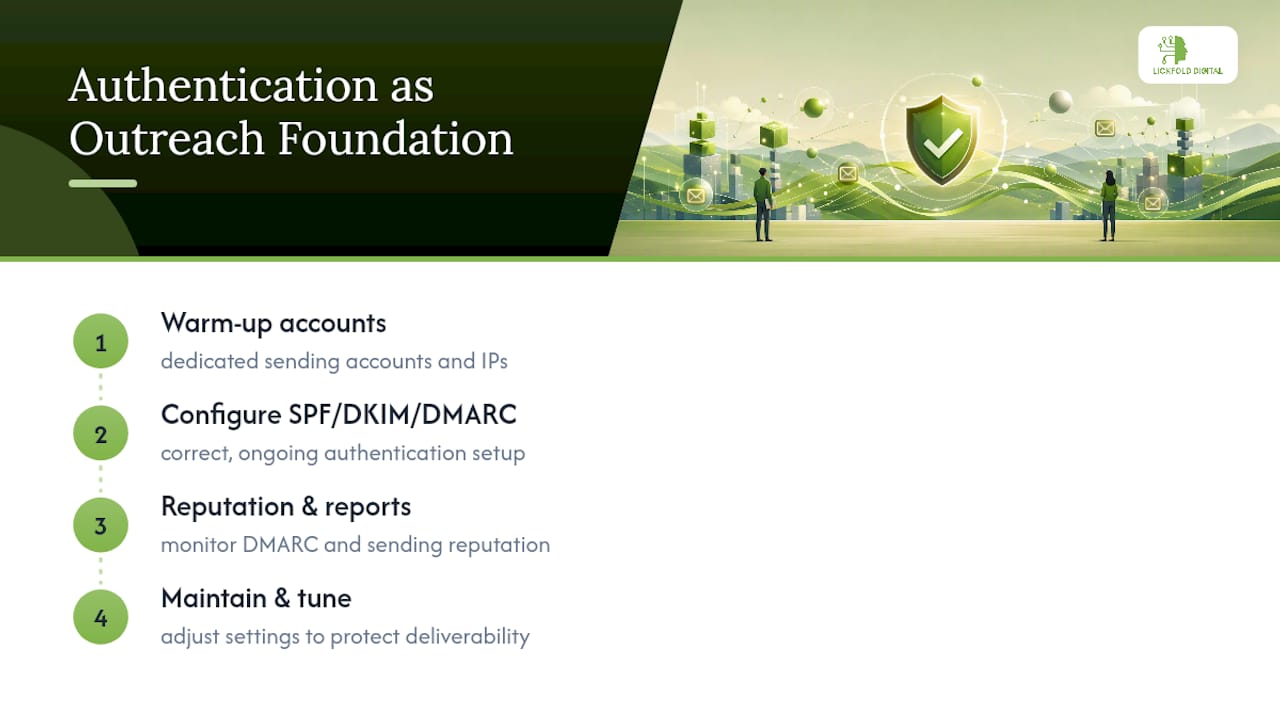
Authentication isn’t a compliance checkbox when you’re running outbound at scale. It’s the difference between messages landing in an inbox or vanishing into spam before a prospect ever sees them. Lickfold Digital builds its outreach infrastructure around this reality, pairing dedicated warm-up accounts with ongoing reputation monitoring so SPF, DKIM, and DMARC aren’t a one-time setup task but a maintained asset.
A clean DMARC report is a leading indicator of whether an AI-driven outreach program will actually reach decision-makers or quietly fail. Get the authentication layer wrong, and even the sharpest personalized message never reaches its intended reader.
— Duarte
Want the Setup and Monitoring Handled for You?
Some providers offer alternatives to configuring and babysitting SPF, DKIM, and DMARC yourself while also trying to run outbound campaigns. Getting these records right the first time, then watching reports weekly to catch drift, takes real hours most in-house teams don’t have to spare.

Certain platforms include managed email infrastructure setup, dedicated warm-up accounts, and ongoing reputation management as part of AI-driven outbound systems, so authentication stays healthy while teams focus on qualified conversations instead of DNS records. For a broader operational rundown of what keeps deliverability high once authentication is in place, the step-by-step guide to improving B2B email delivery covers the next layer. Teams also managing overall domain signals alongside email authentication can look at domain authority strategies as a complementary piece.
If your outbound program depends on messages actually reaching inboxes, see how Lickfold Digital sets up and maintains this infrastructure as part of a managed prospecting pipeline.
Standards and Guides Worth Bookmarking
- RFC 7208: the formal SPF specification, including lookup limits and syntax.
- RFC 9989: DMARC alignment details and policy tags.
- TAMU’s email security protocols overview: a clear breakdown of how the three protocols interact.
- Linuxize’s authentication walkthrough: practical setup ordering and debugging steps.
Sources
- Email security protocols — TAMU Docs
- RFC 7208 — Sender Policy Framework
- RFC 9989 — DMARC details and alignment
- Email authentication explained — Linuxize